A licence for every single
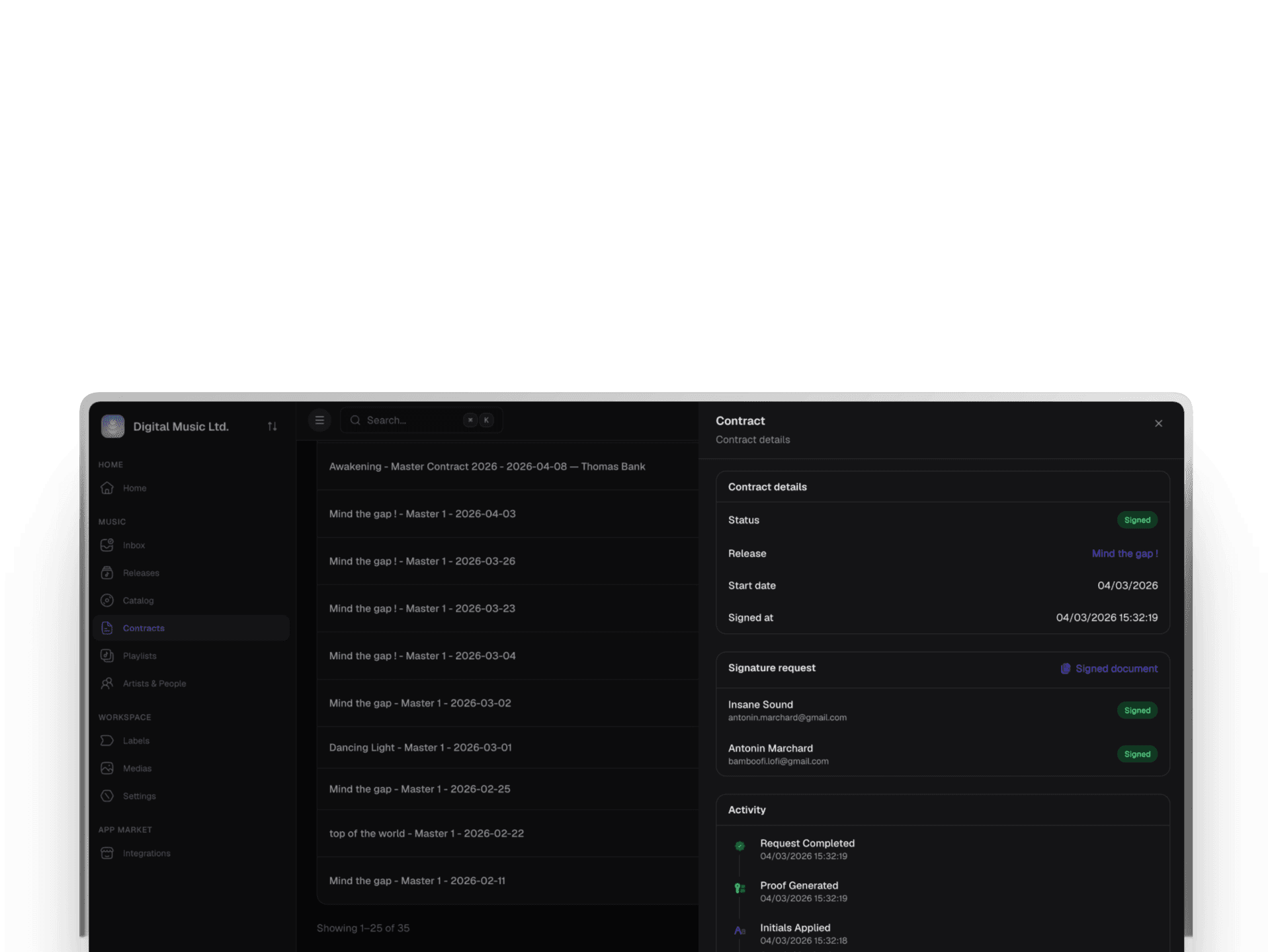
The same licence template generates a contract for each new single, pre-filled with its tracks and splits, signed by the artist before release day.

A Word template, a separate signing tool and a folder of PDFs: that is how most labels handle contracts. LabelBase's music contract management generates each contract from the release's data, sends it for e-signature and keeps the signed PDF with its proof.
Trusted by independent labels and modern music teams










Without music contract management, a label copies the same release details into a Word template by hand, uploads the result to a separate e-signature tool, chases each signer by email, then drops the PDF into a folder nobody will search through in three years.
LabelBase keeps contracts with the releases they concern: generated from your templates, signed online under eIDAS, and stored with their proof.
Write a template once, and LabelBase fills it in for every release. No more copying titles, dates and splits by hand.
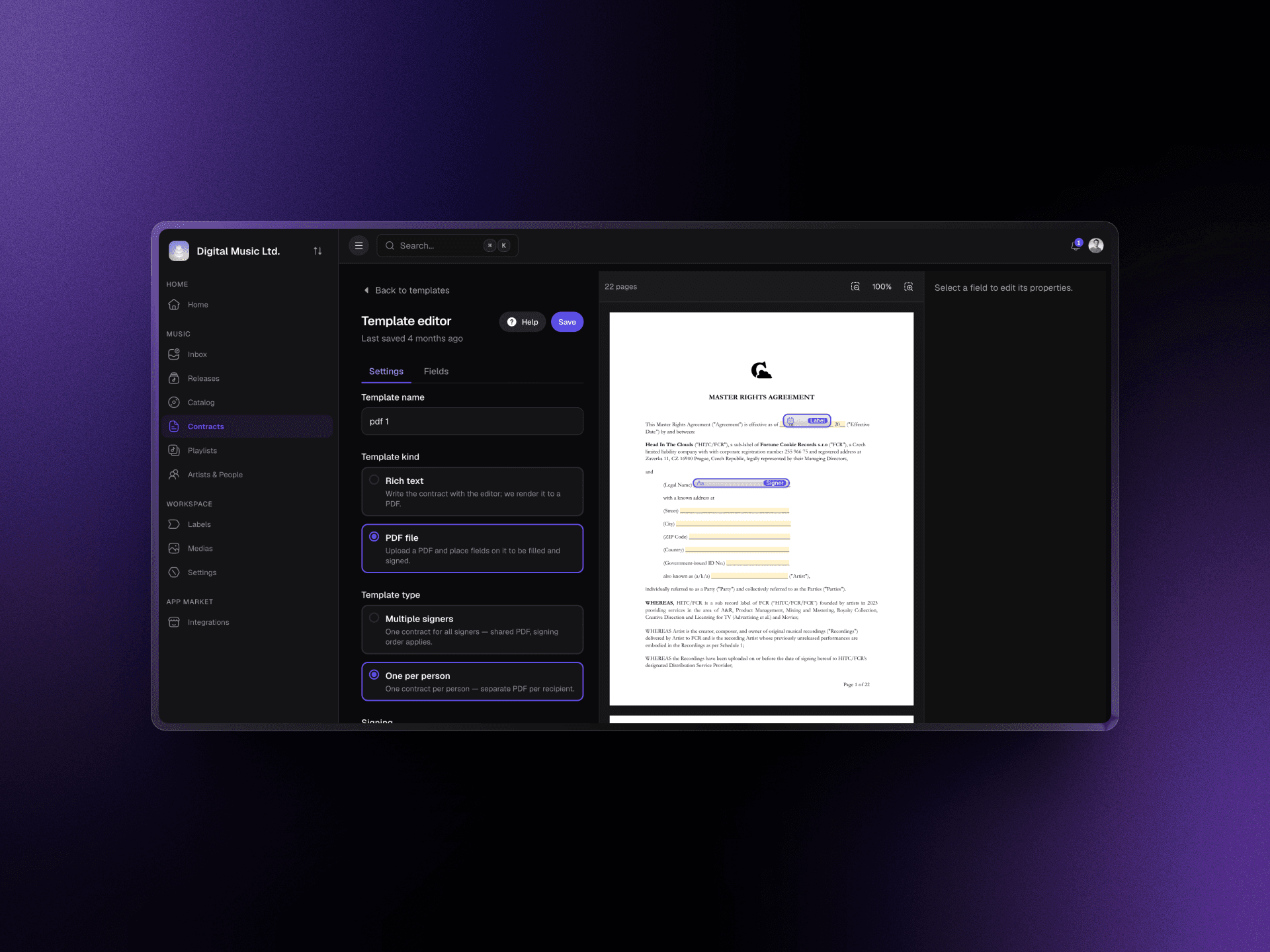
Insert the release's name, date, UPC, catalog number and type, your label's company name, registration number and address, today's date, and a table of tracks with their ISRCs, artists and splits.
Write the template in the editor, or upload an existing PDF and place text, date, signature, initials and checkbox fields where they belong.
Generate a licence, distribution or split agreement from the release page. It comes out pre-filled with the release's data, ready to review and send.
Signers don't install anything: they open the link they receive by email and sign in their browser.
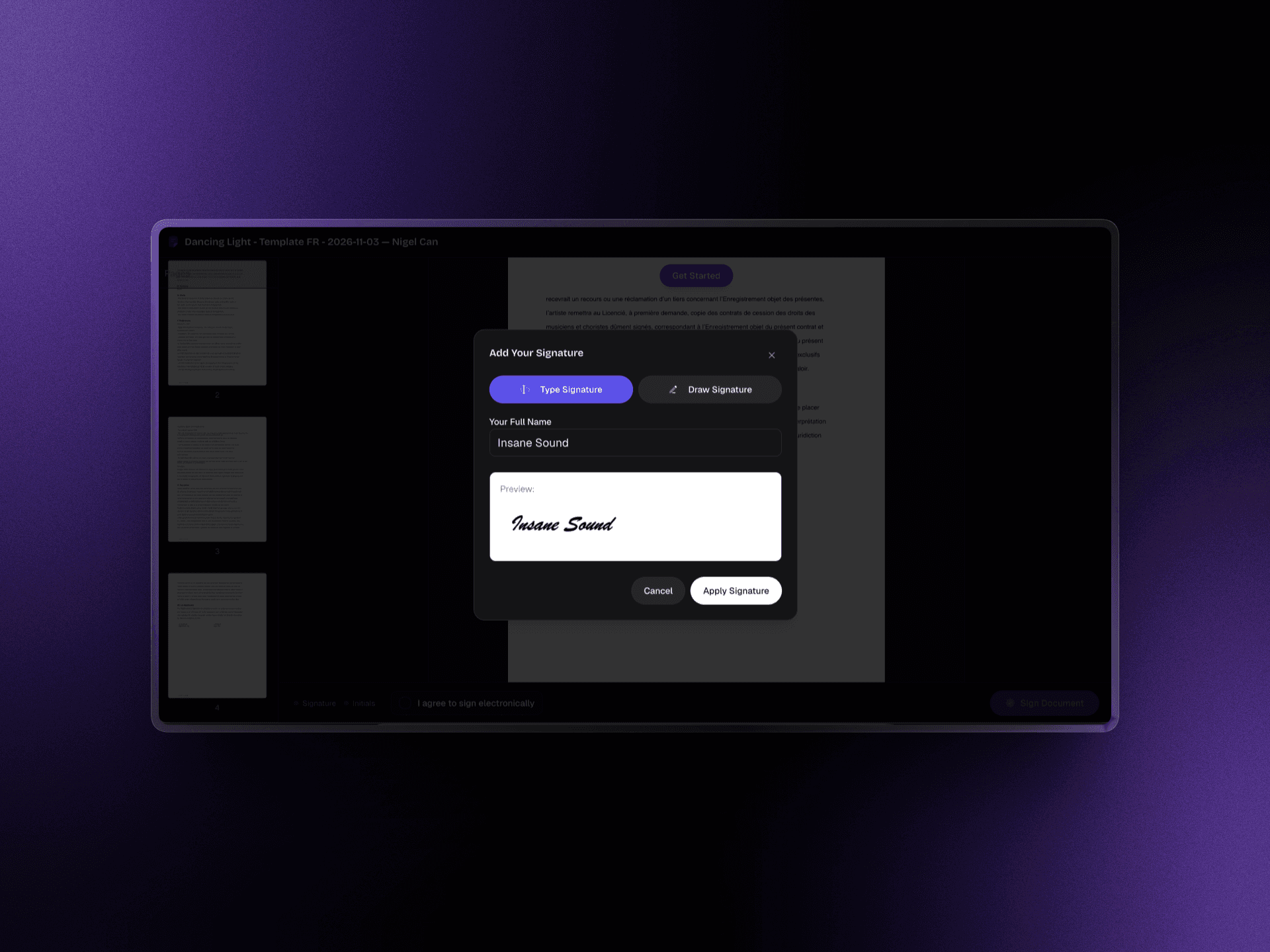
Before signing, each signer enters a one-time code sent to their email address, valid for ten minutes. They then type or draw their signature and add their initials where needed.
Add the artist, the producer and the label, and set the order they sign in. Each signer is invited when it is their turn.
See whether each signer was notified, opened the document, verified their code, signed or declined, with the reason they gave. Reminders go out automatically after seven and fourteen days.
A signature is only as good as the proof behind it. LabelBase keeps that proof with the contract.
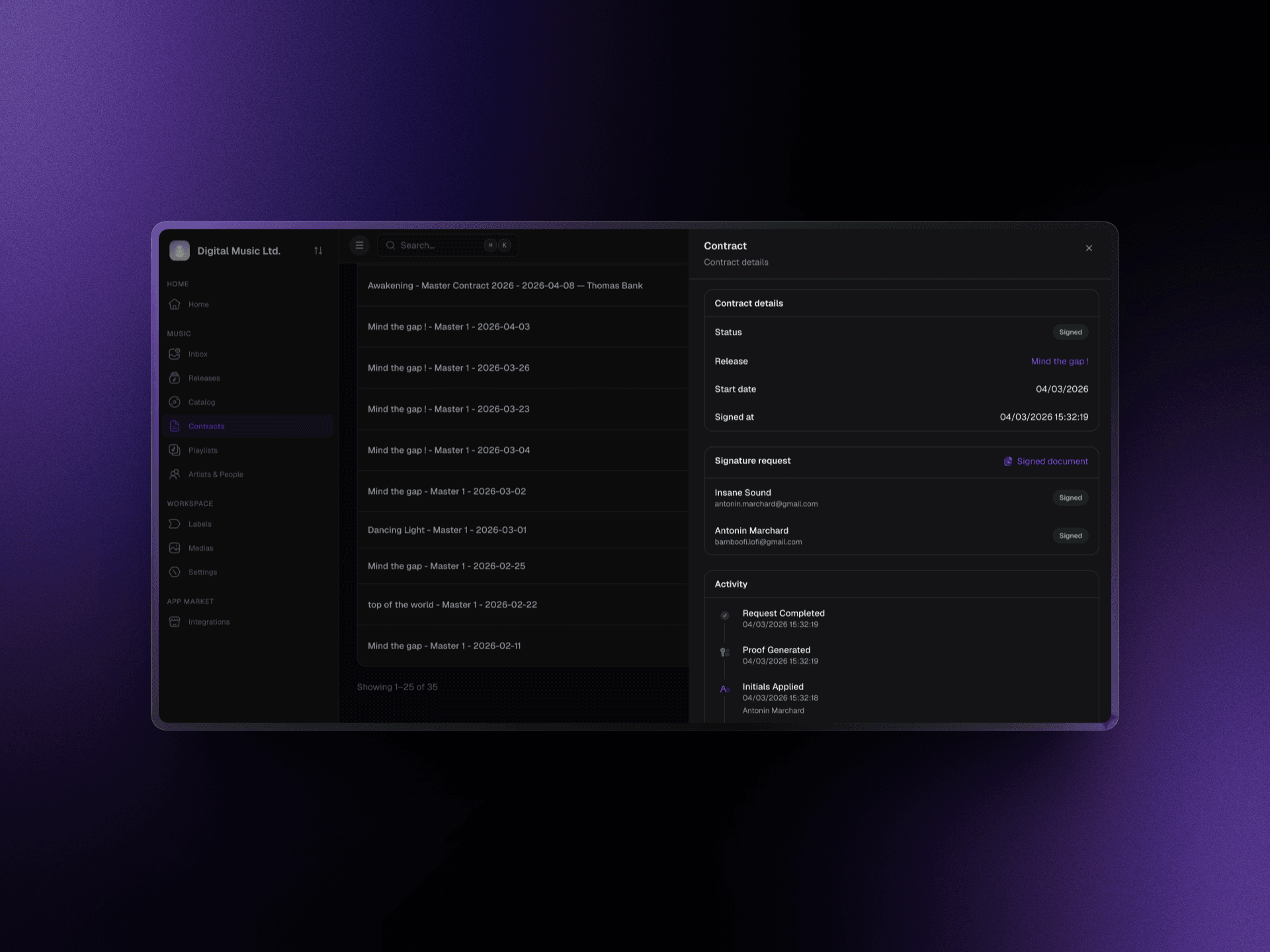
Every step is recorded with its time, IP address and browser: the request created and sent, the document viewed, the code requested and verified, each signature, and the completion.
The signed document is hashed with SHA-256 and timestamped under RFC 3161 by an independent timestamping authority, so any later change to the file would show.
LabelBase stores the signed PDF and a proof PDF that sums up the audit trail, ready to download whenever you need them.
“LabelBase replaces multiple paid tools and eliminates the manual tracking that wastes our time. We save several hours every week.”
LudovicManager, Estrela RecordsShow us your template and your signing tool in a short call. We'll walk you through the same contract generated, signed and stored in LabelBase.
The same licence template generates a contract for each new single, pre-filled with its tracks and splits, signed by the artist before release day.
Every collaborator on a track signs the same split agreement, one after the other, without printing or scanning anything.
The release health score flags any release whose contract is still unsigned, so nothing comes out without one.
LabelBase collects simple electronic signatures as defined by the eIDAS regulation: each signer is verified by a code sent to their email, and the signed document is timestamped under RFC 3161 with a full audit trail. Under eIDAS, a court cannot reject an electronic signature only because it is electronic. LabelBase doesn't offer advanced or qualified signatures.
Yes. Upload your PDF and place the signature, date and text fields on it, or rebuild it as a template with variables to generate it for each release.
Each plan includes a number of signatures per month: 10 with Indie and 50 with Team. With Industry, the volume is set in your deal.
LabelBase reminds them by email after seven and fourteen days. A signer can also decline and give a reason, which you see on the request.
Yes. Add as many signers as the contract needs and set the order they sign in; each one is invited when the previous signer is done.
Any agreement your label signs: licences, distribution and split agreements, producer or remix contracts, or a contract you upload as a PDF. A contract generated from a release stays with that release, and the release health score shows whether it is signed.
Yes. Each signer's status is shown on the request, and the audit trail records the time, IP address and browser of every step, from the invitation to the signature.
Without LabelBase
With LabelBase
Titles, dates and splits are copied into each contract by hand.
Templates fill in the release, its tracks, ISRCs and splits.
The contract goes through a separate signing tool.
E-signature is built in, with signatures included in every plan.
You chase each signer by email until they sign.
Reminders go out automatically after seven and fourteen days.
The signed PDF ends up in a folder, far from the release.
The signed PDF and its proof stay on the release.
A short call with the team behind LabelBase: we look at how your contracts are written and signed today, and show you the flow that replaces it.